Hiking and camping near me: start with the distance, not the app
"Near me" is the hardest thing for a search tool to answer well, because it does not know how far you are willing to drive. An hour is a different trip from a weekend. So work the other way round: decide the drive, then see what is inside it.
Distances are straight-line from the city centre to the trailhead, so the drive is longer, and in mountains it is a lot longer. Every trip above is written out day by day with the permits and campgrounds already found.
Finding camping near you, which is a different problem
Trails and campsites are not searched the same way. Trails you filter by distance and difficulty. Campsites you filter by whether anything is left, which is a booking question rather than a map one.
- Federal campgrounds go through recreation.gov, which covers the national parks, the Forest Service and the Army Corps of Engineers in one place. Most release on a rolling six-month window, so the good sites are gone the morning they open rather than the week you look.
- State parks almost always run their own separate booking system, which is why they are invisible if you only search the federal one. They are also the closest campsites to most cities.
- Dispersed camping on national forest and BLM land is free and needs no booking, which makes it the real answer to "camping near me" on a Friday afternoon. It also has no water and no toilet.
Why Trail Finder Apps Don't Tell You Everything
AllTrails has over 400,000 trails in its database and is genuinely excellent for initial discovery. But there's a gap between "this trail exists" and "this trail is worth hiking, is in good condition right now, and matches what I'm actually looking for." Understanding what apps do well and where they fall short is the difference between finding a great hike and showing up to a trail that's washed out, overcrowded, or underwhelming.
Apps are best for filtering by distance, elevation gain, difficulty rating, and seeing what others have reported recently. They're weaker on nuance, the quality of the view, whether the trail is worth the drive, what time of year it peaks, and current conditions that haven't been updated in the last week. The tools below fill in those gaps.
AllTrails: The Starting Point for Most Searches
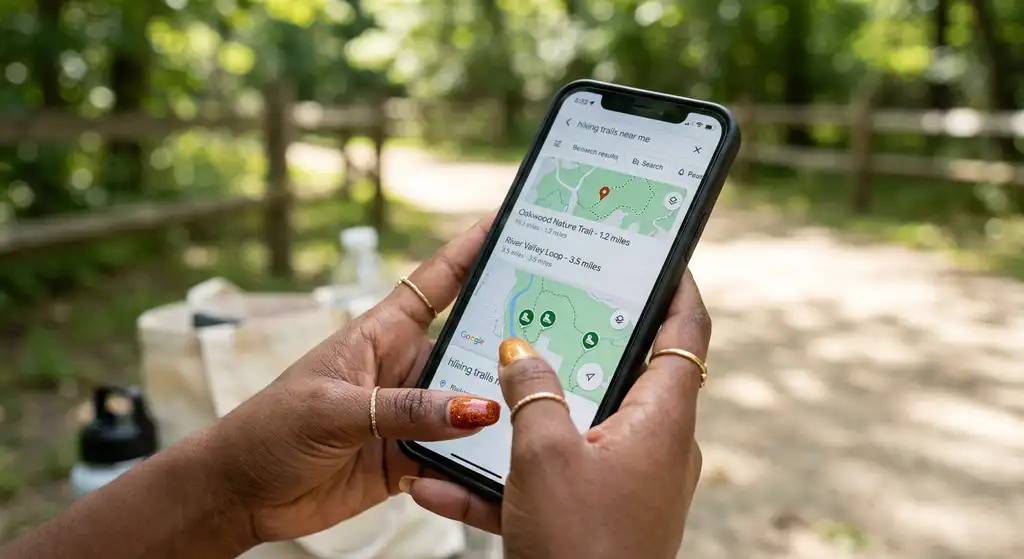
AllTrails is the most comprehensive trail database for the United States and is a reasonable first stop for any trail search. The free version gives you access to the trail database, satellite and topographic maps, and recent user reviews. AllTrails Pro ($36/year) adds offline maps, which you need for navigation in areas without cell service, and most trail areas don't have reliable service.
How to get the most out of AllTrails searches: use the filter function aggressively. Set maximum distance, difficulty, and elevation gain before browsing. Sort by "Highest Rating" rather than default to surface the better trails in an area. Read the 10 most recent reviews before committing, specifically looking for condition reports and any notes about trail issues that wouldn't show up in the trail description.
What AllTrails ratings mean in practice: a 4.8-star trail is usually genuinely good. A 4.2-star trail is fine but might be crowded, mediocre scenery, or have a significant access issue. Ratings below 4.0 are a red flag worth investigating in the reviews. The number of reviews matters too, a 4.9-star trail with 8 reviews means much less than a 4.7-star trail with 800 reviews.
Gaia GPS: Better for Backcountry and Complex Navigation
Gaia GPS is the professional-grade alternative to AllTrails for hikers who go into more remote terrain. Its free tier includes high-quality topographic maps that you can download for offline use. The paid subscription ($40/year) adds satellite imagery, Gaia's own curated trail network, and the ability to import GPX routes from other sources.
Gaia's strength is map quality and flexibility. You can overlay multiple map sources, USGS topo, National Forest maps, satellite, and open-source trail data simultaneously. For trail research in wilderness areas where AllTrails coverage is thin, Gaia often has better basemap detail and lets you plan routes on the terrain rather than just on marked trails.
Use Gaia when you're exploring unmaintained trails, creating your own routes, or hiking in National Forest or BLM land where official trails are sparse and poorly marked.
Hiking Project: Free and Detailed, With Better Photography
Hiking Project (hikingproject.com) is a community-maintained trail database with strong coverage in the Western US and more detailed trail descriptions than AllTrails for many backcountry routes. It's completely free, including offline maps. The photo quality on Hiking Project tends to be better than AllTrails, actual trail photography rather than scenic shots from a nearby overlook, which gives you a more realistic preview of what a trail looks like.
Hiking Project is particularly strong for Colorado, Utah, and the Pacific Northwest. Coverage in the Southeast and Mid-Atlantic is thinner than AllTrails. Use it as a cross-reference against AllTrails when planning hikes in the West.
Recreation.gov and National Park Service: Official Sources That Fill Critical Gaps
For trails in National Parks and National Recreation Areas, the official NPS trail pages (nps.gov/[park abbreviation]/planyourvisit/trails) have information that doesn't appear anywhere else: permit requirements, seasonal closures, current road access, and specific hazard warnings that apps often lag on.
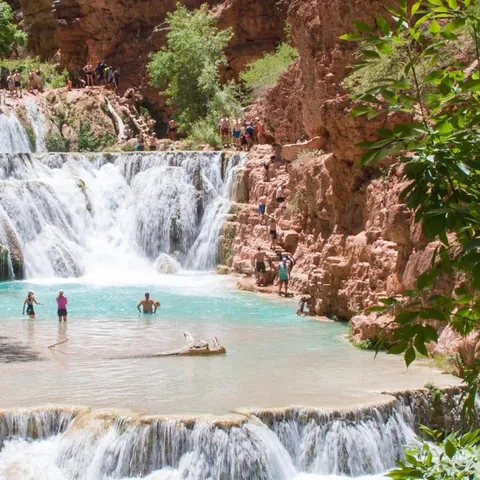
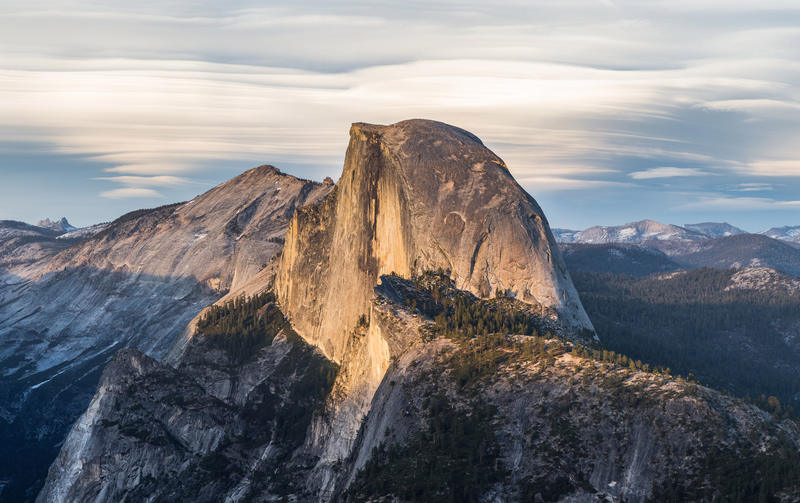
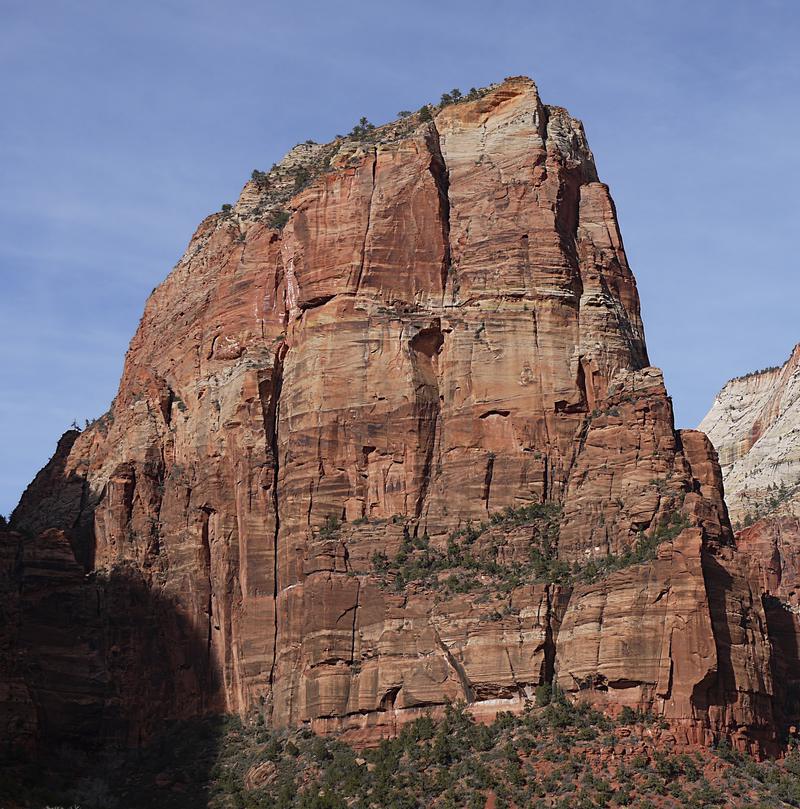
Check the park's website before any National Park hike. The NPS alerts section specifically lists current closures, water crossings that are dangerous, and trail conditions that may have changed since the most recent app review. Permit requirements for specific trails (Half Dome, Angels Landing, the Enchantments, Havasupai) are only reliably documented on official sources, apps frequently have outdated permit information.
Local Sources: The Best Information That Doesn't Scale
The most reliable information about a trail's current condition, seasonal quality, and whether it's worth the drive comes from people who hiked it recently. Local sources vary by region, but the most consistently useful are:
Regional hiking forums and Facebook groups. Search for "[region/city] hiking" on Facebook and you'll typically find an active group where locals post trip reports with photos. These are often more current than AllTrails reviews and more candid about conditions. Pacific Northwest Hikers, Colorado Trail Runners, and similar groups have tens of thousands of members who post frequent reports.
Reddit hiking subreddits. r/hiking, r/PNWhikers, r/ColoradoHiking, r/AppalachianTrail and state-specific subreddits are valuable for questions about specific trails. A post asking "has anyone done [trail] recently, is the bridge washed out?" will get a useful answer within hours on an active subreddit.
Local outfitter shops. The REI in the city nearest to your trailhead, local hiking shops in gateway towns, and ranger stations are all excellent for current conditions. Ranger stations in particular will tell you about trail closures, bear activity, water conditions, and permit requirements that aren't in any database. Call ahead, they're funded by your tax dollars and their job is to help you have a safe, informed trip.
How to Find Trails When Traveling Internationally
AllTrails has international coverage for many major hiking regions in Europe, New Zealand, Canada, and parts of South America. Coverage quality drops significantly in less-visited areas. For international hiking, a different set of resources works better:
Komoot is the dominant trail platform in Europe, with excellent coverage of the Alps, Dolomites, Scandinavia, and UK highlands. It integrates with fitness trackers and provides turn-by-turn audio navigation. The planning tools are sophisticated enough to build custom multi-day routes across a region.
Wikiloc has the largest database of GPS tracks for less-documented hiking regions globally, particularly in Latin America and parts of Asia. These are user-uploaded tracks rather than curated trails, quality varies, but in regions without AllTrails coverage, it may be the only source of detailed route data.
Country-specific tourism boards often maintain trail databases for popular hiking regions. New Zealand's Department of Conservation (doc.govt.nz) is exemplary, detailed track information, hut booking, and current conditions for every Great Walk and many remote routes. The Swiss national tourism site, Parks Canada, and Tourism Iceland have comparable quality for their respective regions.
Using Satellite Imagery to Pre-Scout Trails
Google Maps satellite view and Google Earth are underused trail research tools. Before hiking an unfamiliar trail, zoom into the satellite view and follow the trail route visually. You can see the terrain the trail crosses, identify exposed ridgelines, locate potential water sources, and get a realistic sense of the surrounding landscape that trail descriptions often fail to convey.
Google Earth's 3D terrain view is particularly useful for understanding elevation changes, you can tilt the view and see the topography in relief, which makes abstract elevation numbers on a profile chart much more concrete. A 2,000-foot gain over 5 miles looks very different from a 2,000-foot gain over 2 miles, and the 3D view shows that immediately.
What to Check Before Every Hike
Once you've identified a trail, the pre-hike research checklist is short but important. Check AllTrails for reviews from the past two weeks to confirm the trail is in the condition you expect. Check the NPS or relevant land manager website for closures and alerts. Check the weather forecast for the trailhead elevation and summit elevation (which may differ by 10–15°F). Confirm parking area status, many popular trailheads now require reservations or have limited spots that fill by 7am on weekends. And download the offline map before you leave cell range.
How to Find Good Hiking Trails Near You FAQs
AllTrails is the best starting point for most hikers, it has the largest database, good filtering tools, and user reviews that include recent condition reports. Gaia GPS is better for backcountry and remote routes where AllTrails coverage is thin. Hiking Project is a free alternative with strong Western US coverage. Most experienced hikers use a combination.
Open AllTrails, tap the search bar, select your location, and use the filter function to set distance, difficulty, and elevation gain limits. Sort by highest rating. For real-time conditions and local knowledge that doesn't appear in apps, search for your region's hiking group on Facebook or the relevant hiking subreddit on Reddit.
Filter by elevation gain, not just distance or difficulty rating. Under 500 feet of gain per mile is moderate for most people. Under 300 feet per mile is beginner-friendly. Read recent reviews and look for comments from hikers who describe a similar background to yours, their experience on the trail is a better predictor than a difficulty label.
AllTrails reviews sorted by "Most Recent" give you the freshest crowd-sourced information. Regional Facebook hiking groups and subreddits often have same-week trip reports with photos. For National Parks, the NPS alerts page for the specific park lists official closures and hazards. Ranger stations, reachable by phone, are the most reliable source for anything safety-critical.
Use Komoot for Europe (especially the Alps and Scandinavia), Wikiloc for regions with limited AllTrails coverage, and each country's national park or tourism authority websites for their managed trails. New Zealand's doc.govt.nz, Parks Canada, and country-specific tourism boards often have more detailed and current information than general apps for their specific trails.
Pick the drive first, then look inside it. An hour from a city gets you day hikes; three or four hours gets you a weekend with a campsite. Trails and campsites also search differently: trails you filter by distance and difficulty, campsites you filter by what is still available, which is a booking question. Federal campgrounds go through recreation.gov, state parks almost always run their own separate system, and dispersed camping on national forest or BLM land is free and needs no booking at all.
Search two systems, not one. Recreation.gov covers the national parks, the Forest Service and the Army Corps of Engineers, and most of it releases on a rolling six-month window, so popular sites go the morning they open. State parks run separate booking systems and are usually the closest campsites to a city, which is why they are invisible if you only check the federal site.
Usually yes, on national forest or BLM land, where dispersed camping is free and needs no reservation. That is the realistic answer when you want to leave on a Friday and everything bookable is full. The trade is that there is no water, no toilet and no marked site, so you need to be self-sufficient and to follow the local rules on fire and stay length.