User Data Deletion
Last updated: June 17, 2026
ExplorOFF (“ExplorOFF”, “we”, “our” or “us”) lets you delete your account and the personal data associated with it at any time. This applies to all sign-in methods, including accounts created with Facebook, Google, Apple, or email.
How to delete your data
You can request deletion of your ExplorOFF account and personal data in either of the following ways:
- By email: send a message to yulia@exploroff.com from the email address linked to your account, with the subject “Data deletion request”. Please include the name or email you used to sign in so we can locate your account.
- In your account: sign in at exploroff.com/account and use the account options to delete your profile.
What we delete
When we process your request we permanently remove your account profile (name and email), any saved trips, itineraries, comments and ratings, and the authentication record that links your Facebook (or other provider) login to ExplorOFF. Requests are completed within 30 days. Some records may be retained only where required by law (for example, transaction records for tax purposes).
Questions
If you have any questions about deleting your data, contact us at yulia@exploroff.com.
Was this helpful?
One tap. It goes straight to Yulia and Margarita.
You can't hike it if you can't get the permit.
The best hikes in America run on lotteries that open once a year and sell out in minutes. Every trail runs on its own calendar. Pick the ones you want and we do the watching.
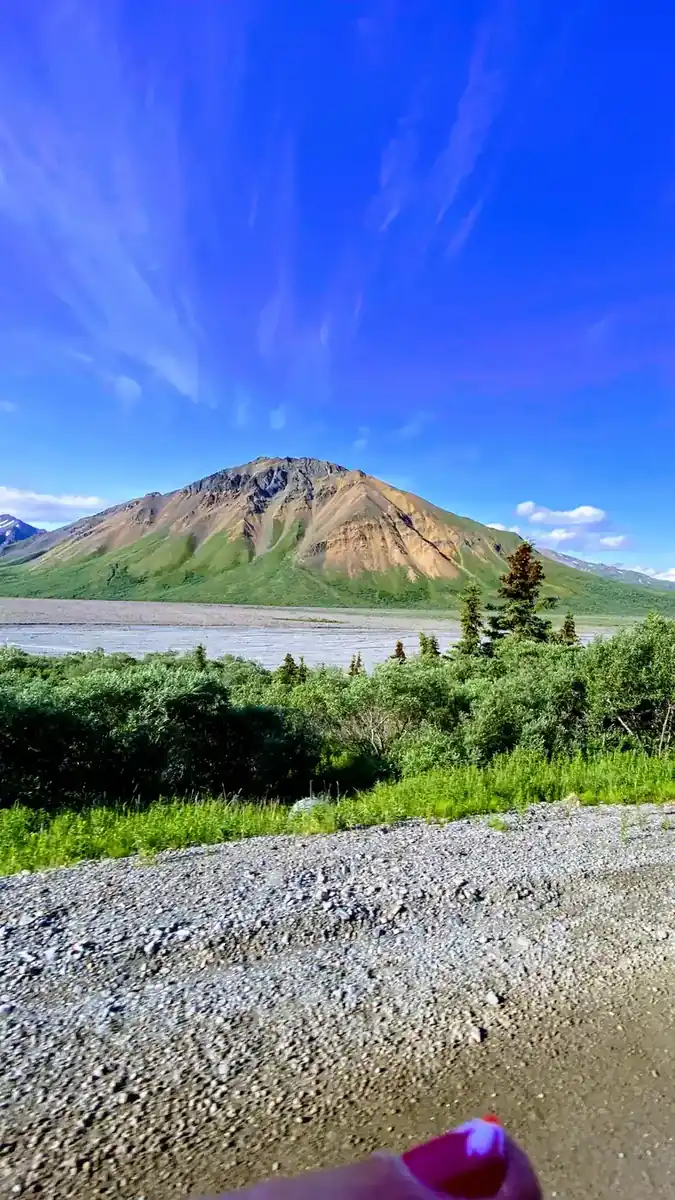 Denali Road LotteryDenali NP · AKActivityReservationfair odds
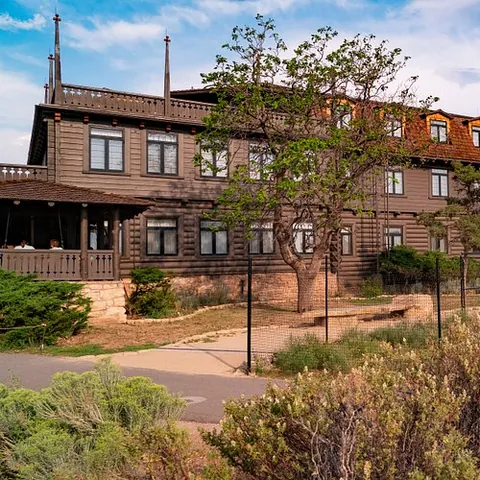 El Tovar HotelGrand Canyon South Rim · ArizonaLodgeReservationbrutal odds
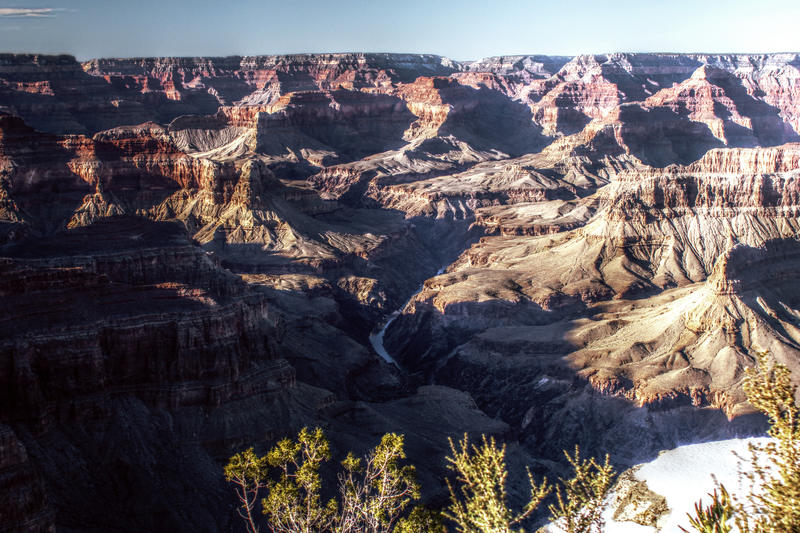 Grand Canyon BackcountryGrand Canyon NP · ArizonaBackcountryReservationfair odds
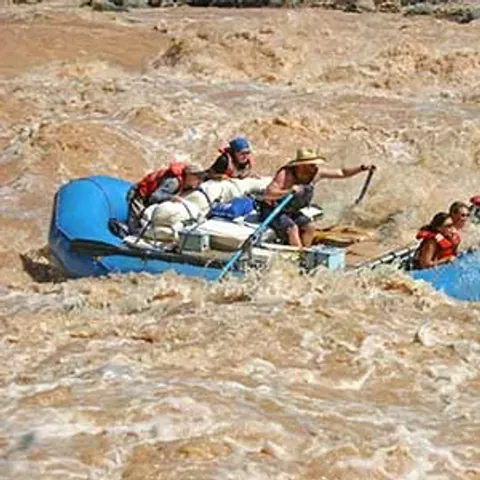 Grand Canyon raftingColorado River · ArizonaActivityLotterybrutal odds
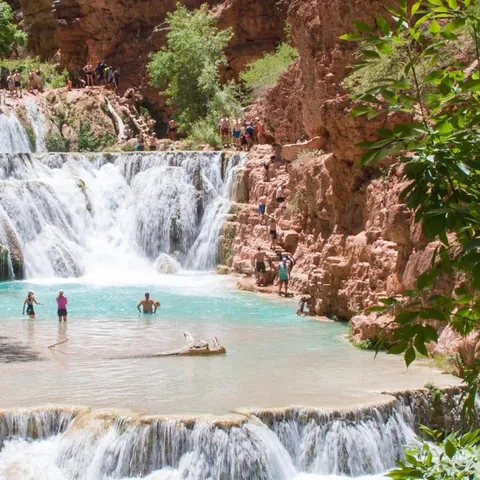 Havasu FallsHavasu Canyon · ArizonaLodgeReservationbrutal odds
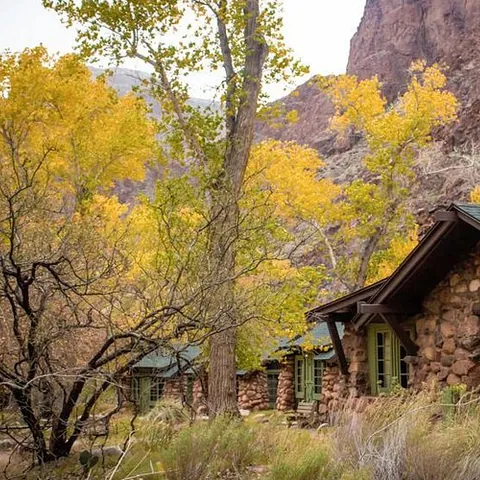 Phantom RanchGrand Canyon NP · ArizonaLodgeLotterybrutal odds
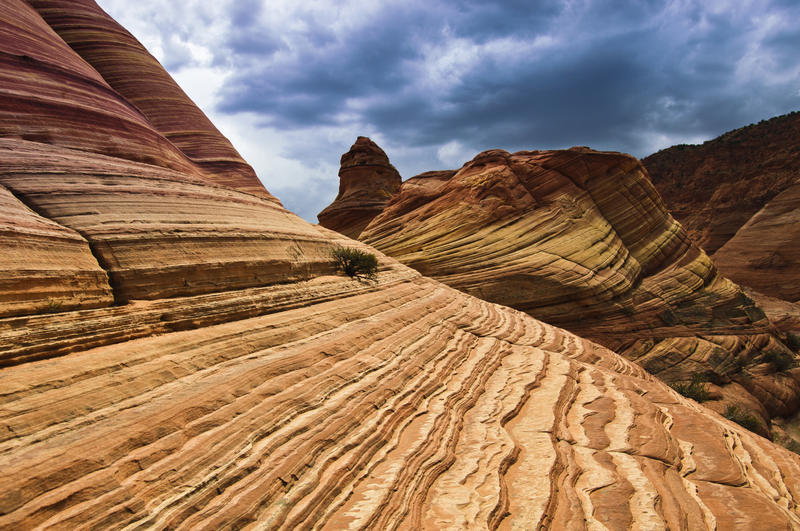 The WaveCoyote Buttes North · Arizona / UtahPermitLotterybrutal odds
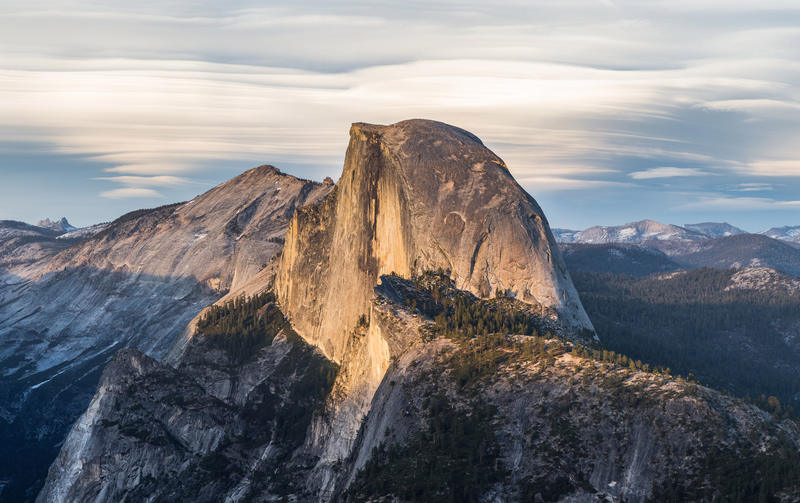 Half Dome CablesYosemite NP · CaliforniaPermitOpens Mar 1fair odds
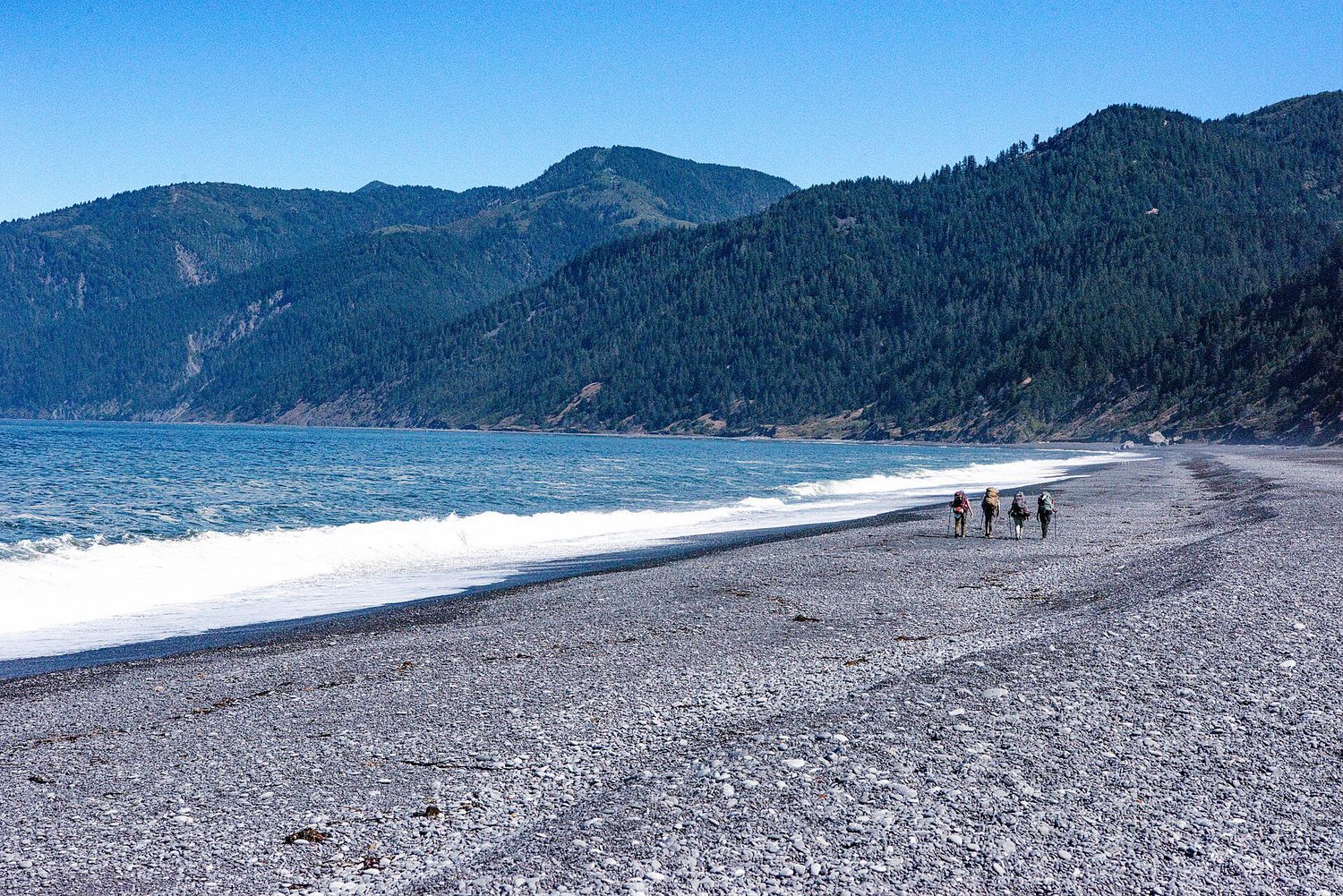 Lost Coast TrailKing Range NCA · CaliforniaBackcountryReservationtough odds
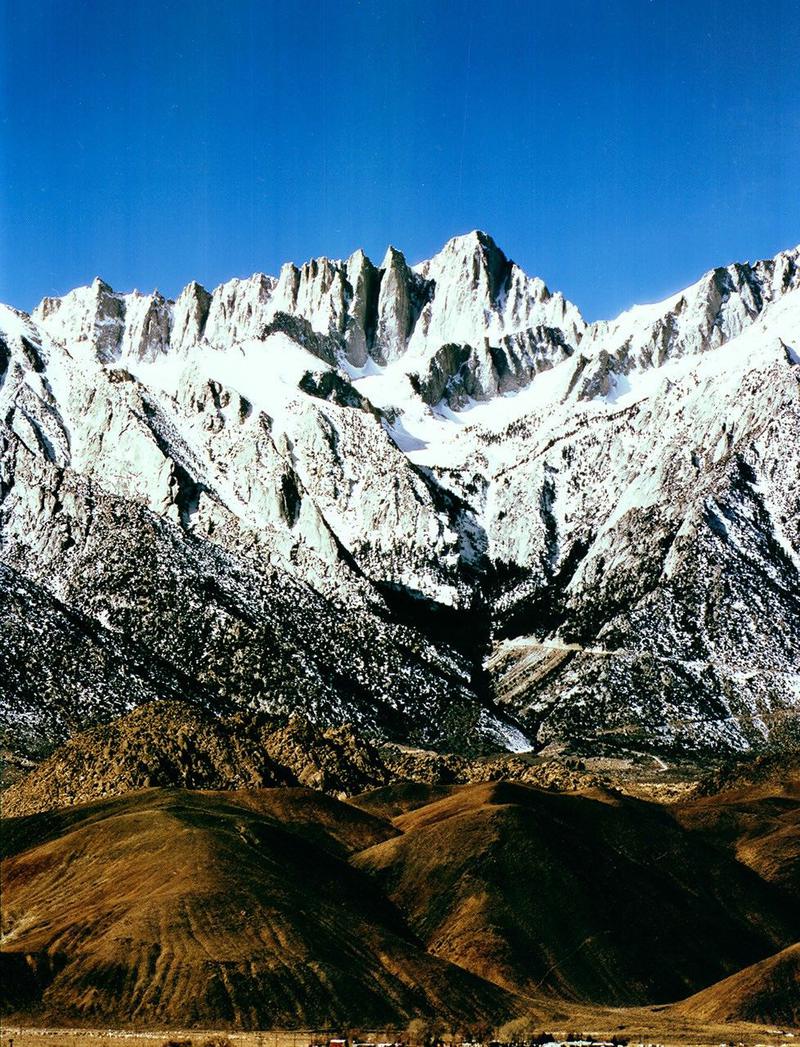 Mt. WhitneyInyo NF · CaliforniaPermitOpens Feb 1tough odds
- The Ahwahnee, YosemiteYosemite NP · CaliforniaLodgeReservationbrutal odds
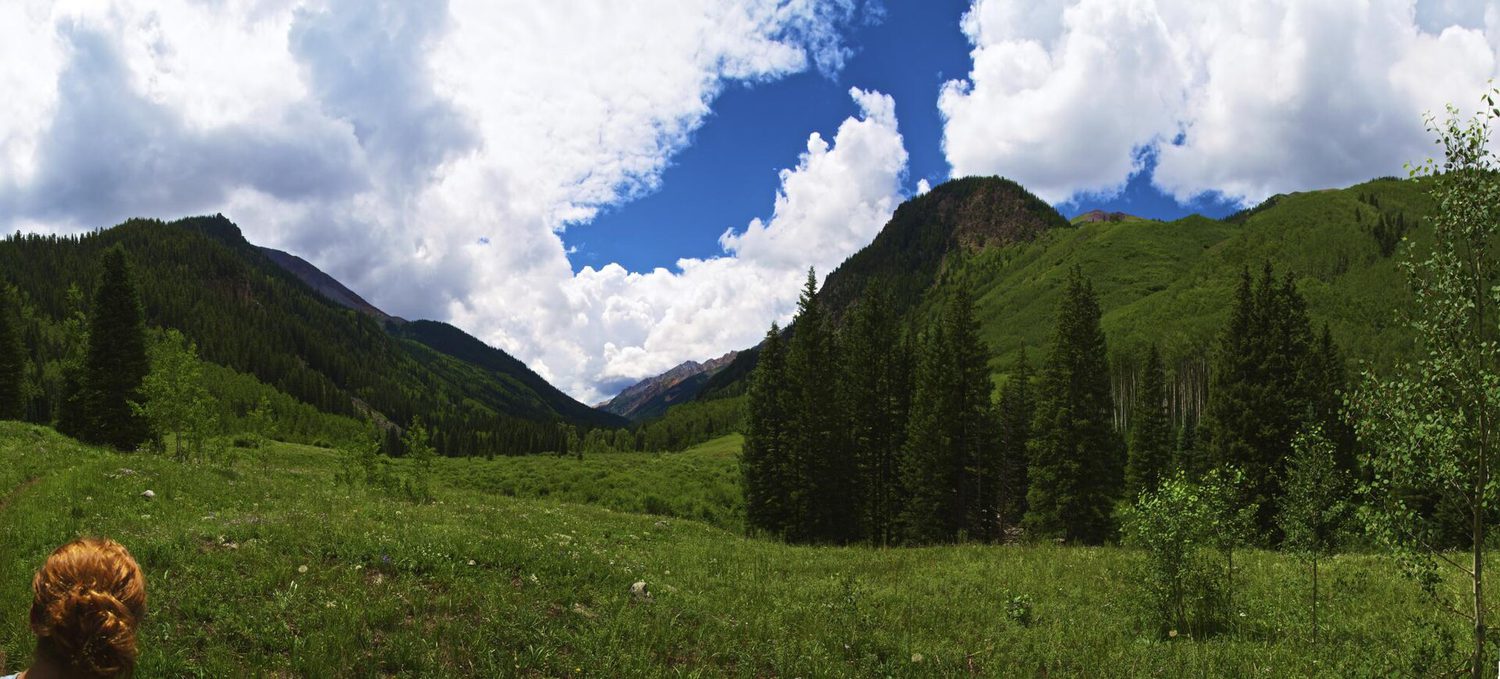 Conundrum Hot SpringsMaroon Bells-Snowmass · ColoradoBackcountryOpens Feb 15brutal odds
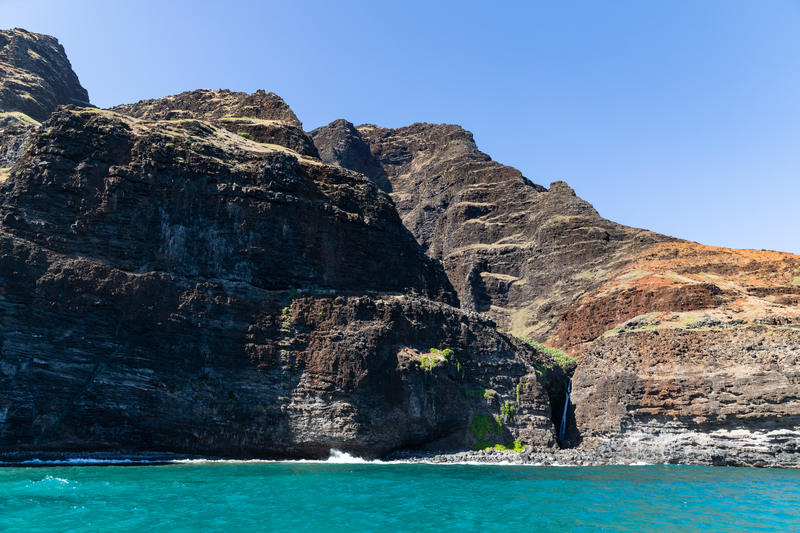 Kalalau TrailNa Pali Coast SWP · HIBackcountryReservationbrutal odds
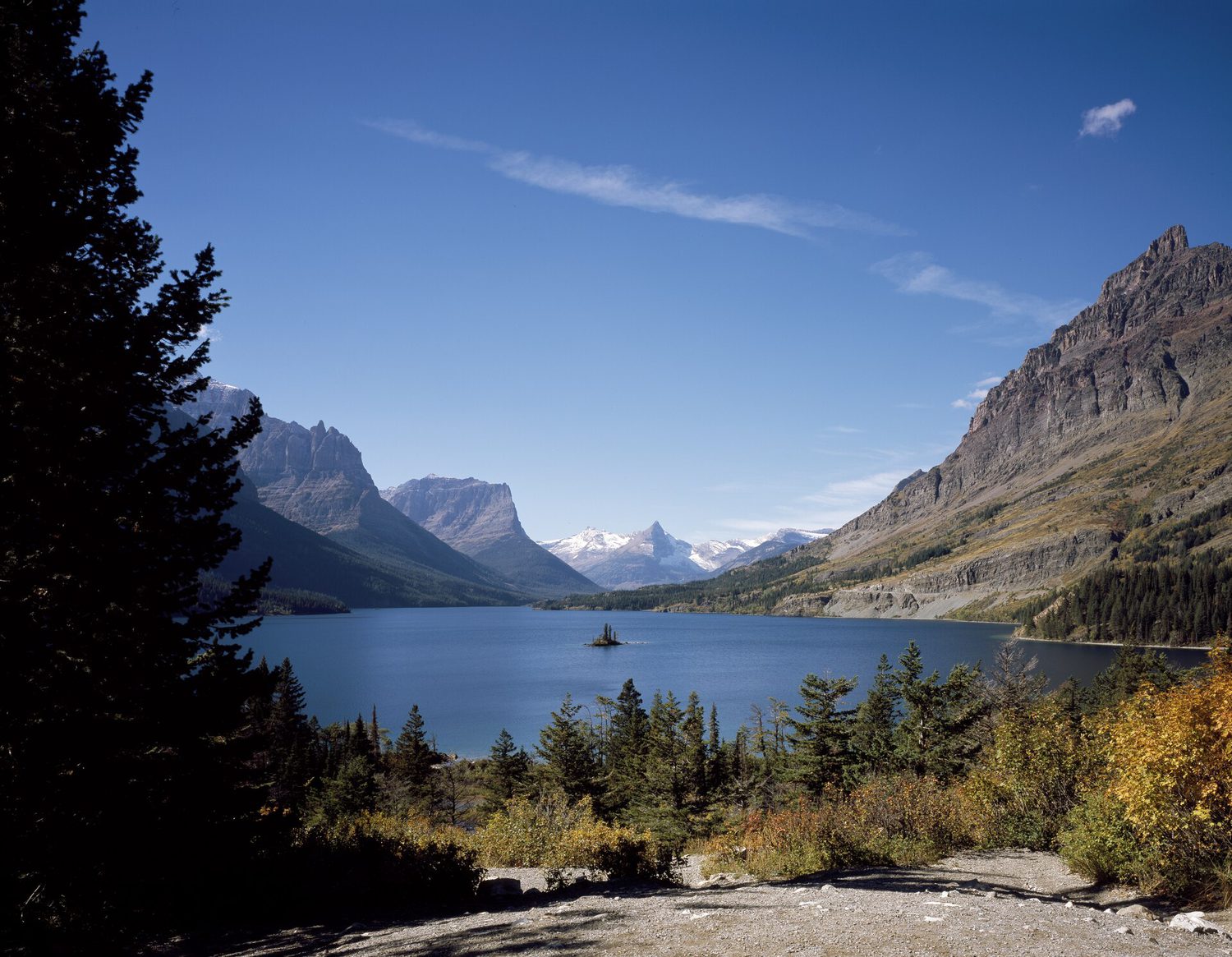 Glacier NP BackcountryGlacier NP · MontanaBackcountryLotterytough odds
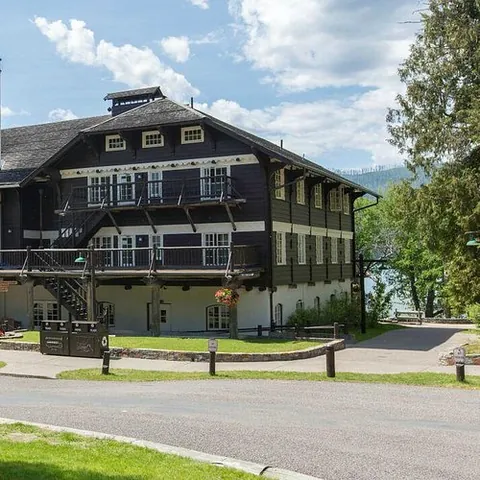 Lake McDonald LodgeGlacier NP · MontanaLodgeReservationbrutal odds
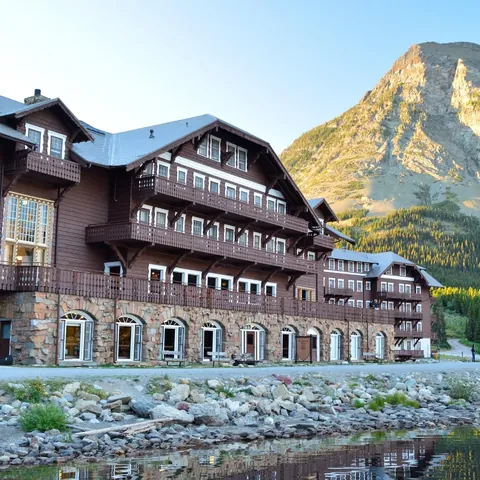 Many Glacier HotelGlacier NP · MontanaLodgeReservationbrutal odds
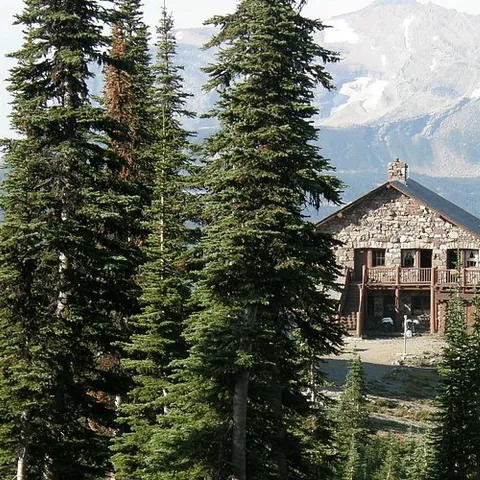 Sperry & Granite Park ChaletsGlacier NP · MontanaLodgeReservationbrutal odds
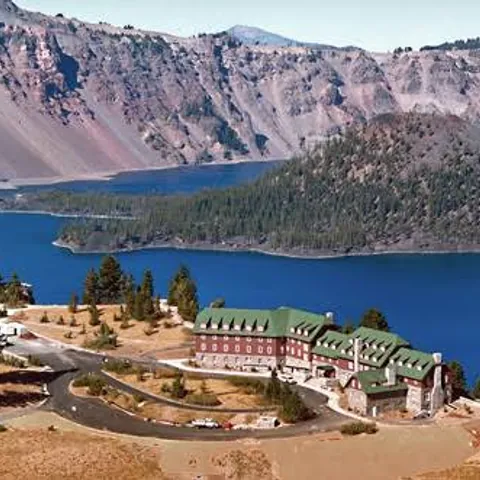 Crater Lake LodgeCrater Lake NP · ORLodgeReservationbrutal odds
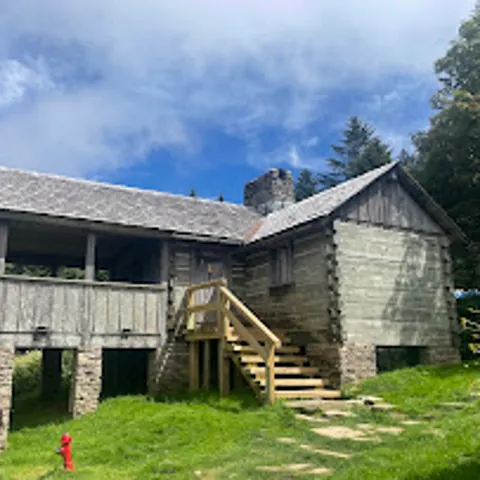 LeConte LodgeGreat Smoky Mountains NP · TNLodgeOpens Oct 1brutal odds
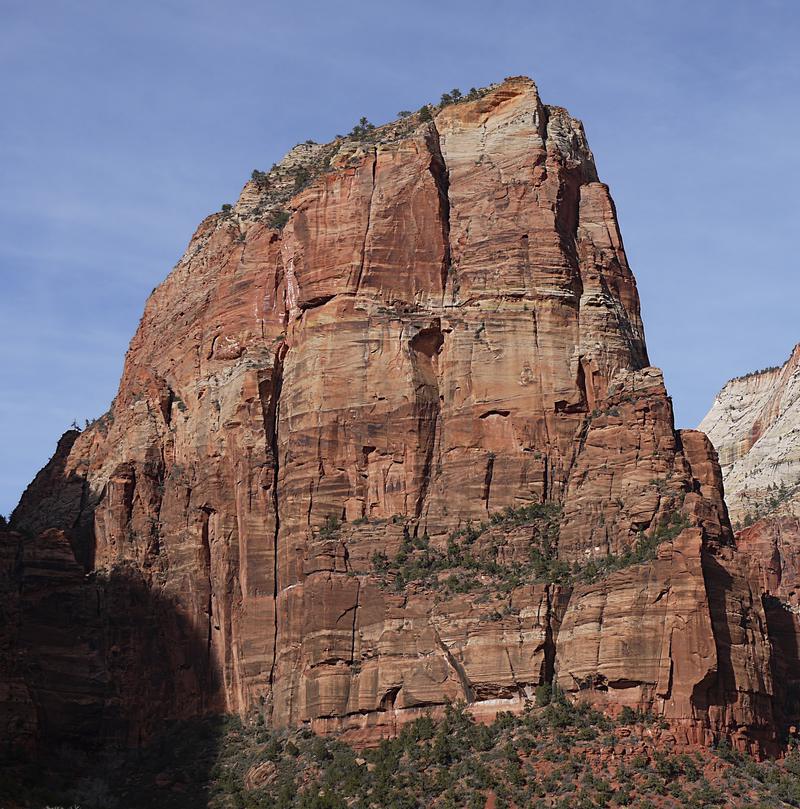 Angels LandingZion NP · UtahPermitLotterytough odds
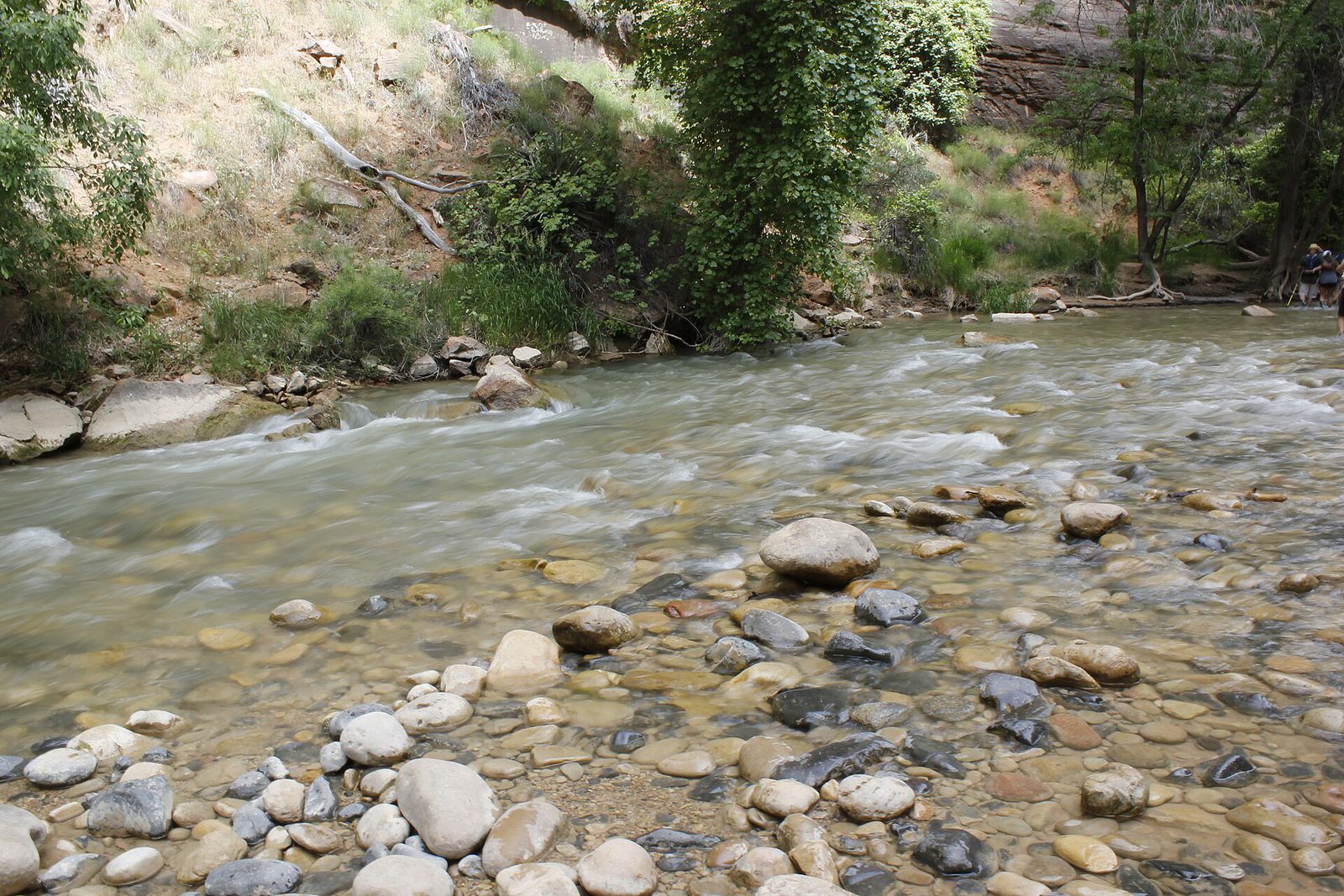 The Narrows Through-HikeZion NP · UtahBackcountryReservationtough odds
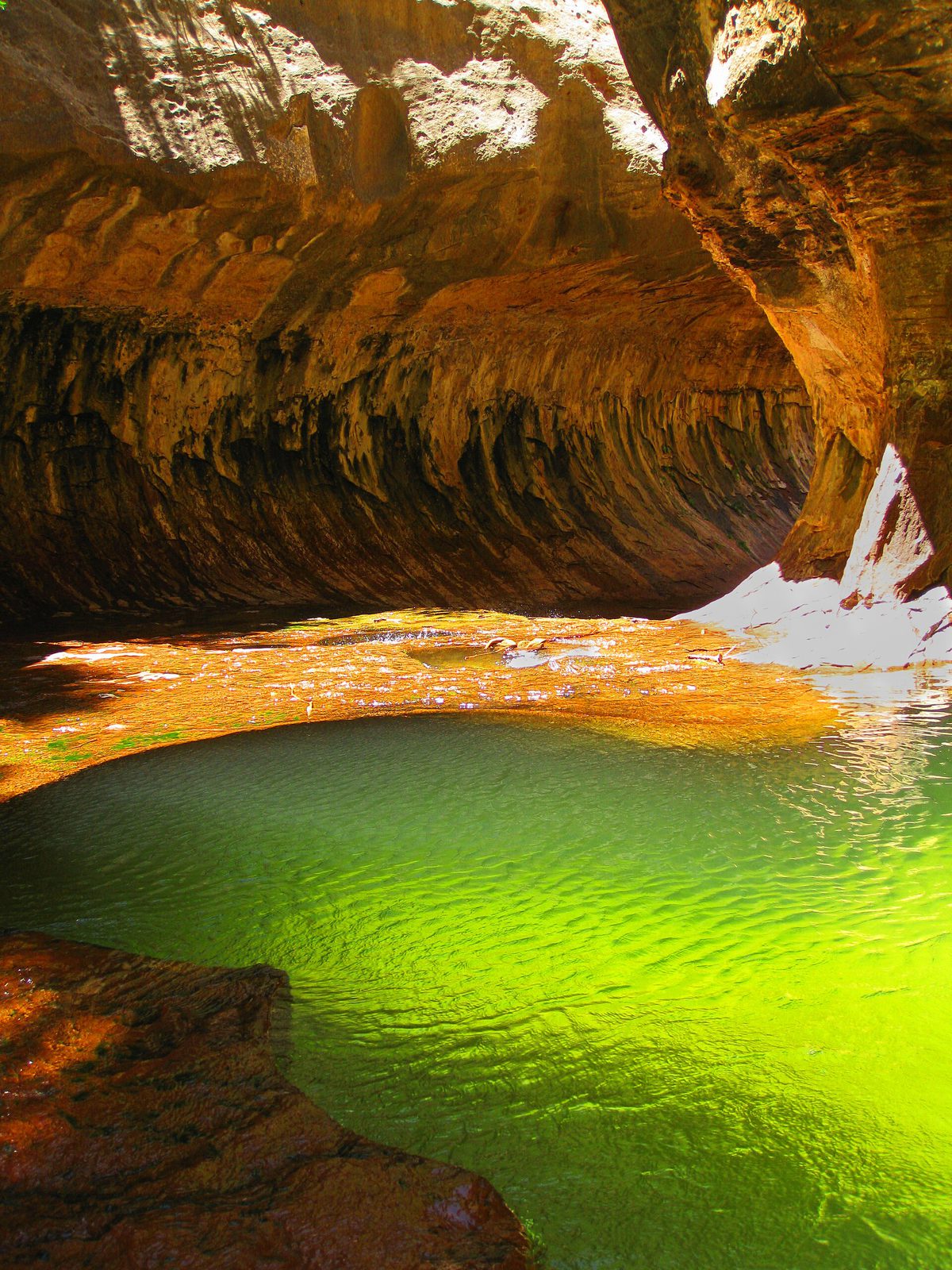 The SubwayZion NP · UtahPermitLotterytough odds
- Zion LodgeZion Canyon · UtahLodgeReservationbrutal odds
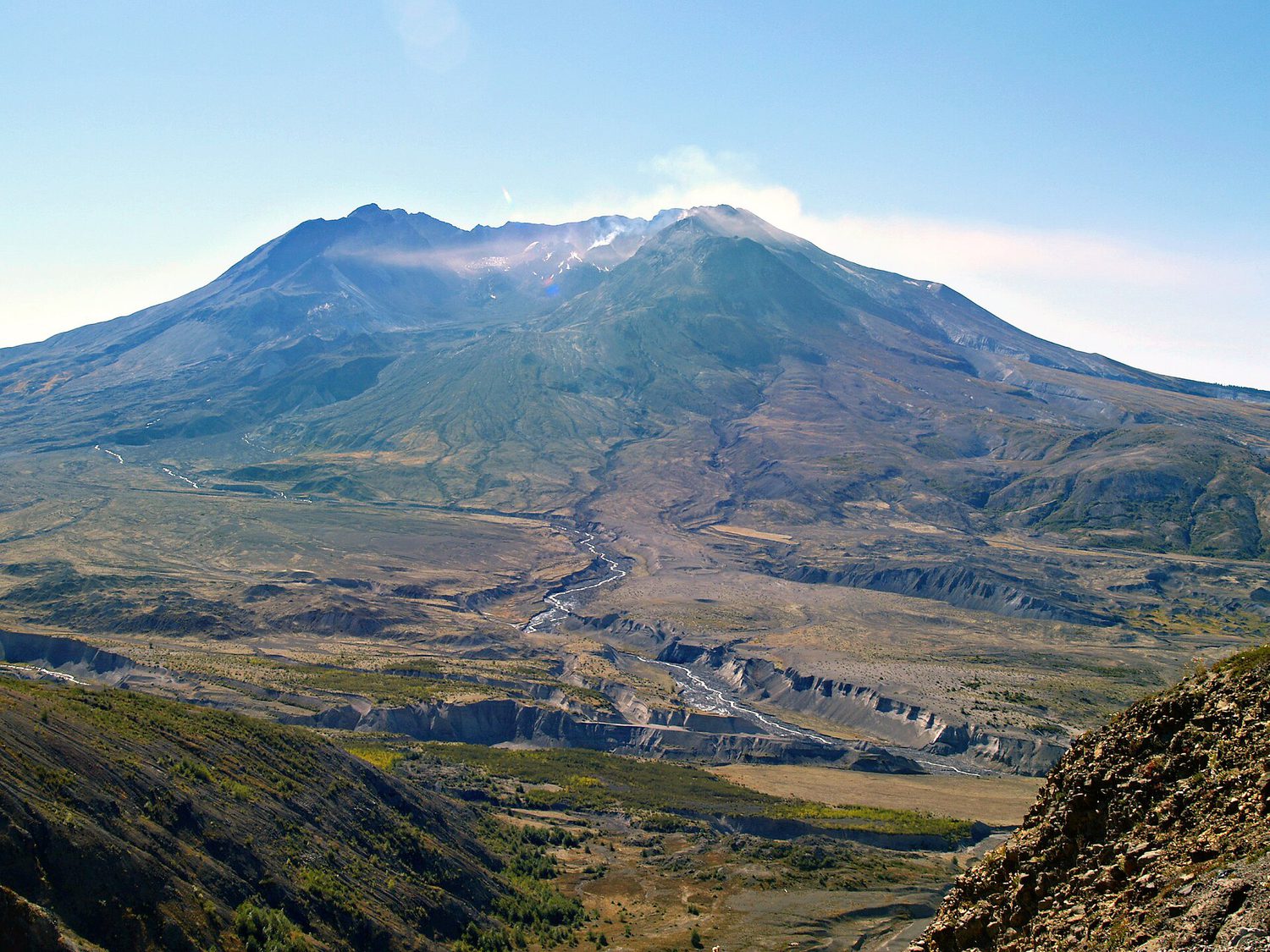 Mount St. Helens Summit ClimbGifford Pinchot NF · WashingtonPermitReservationtough odds
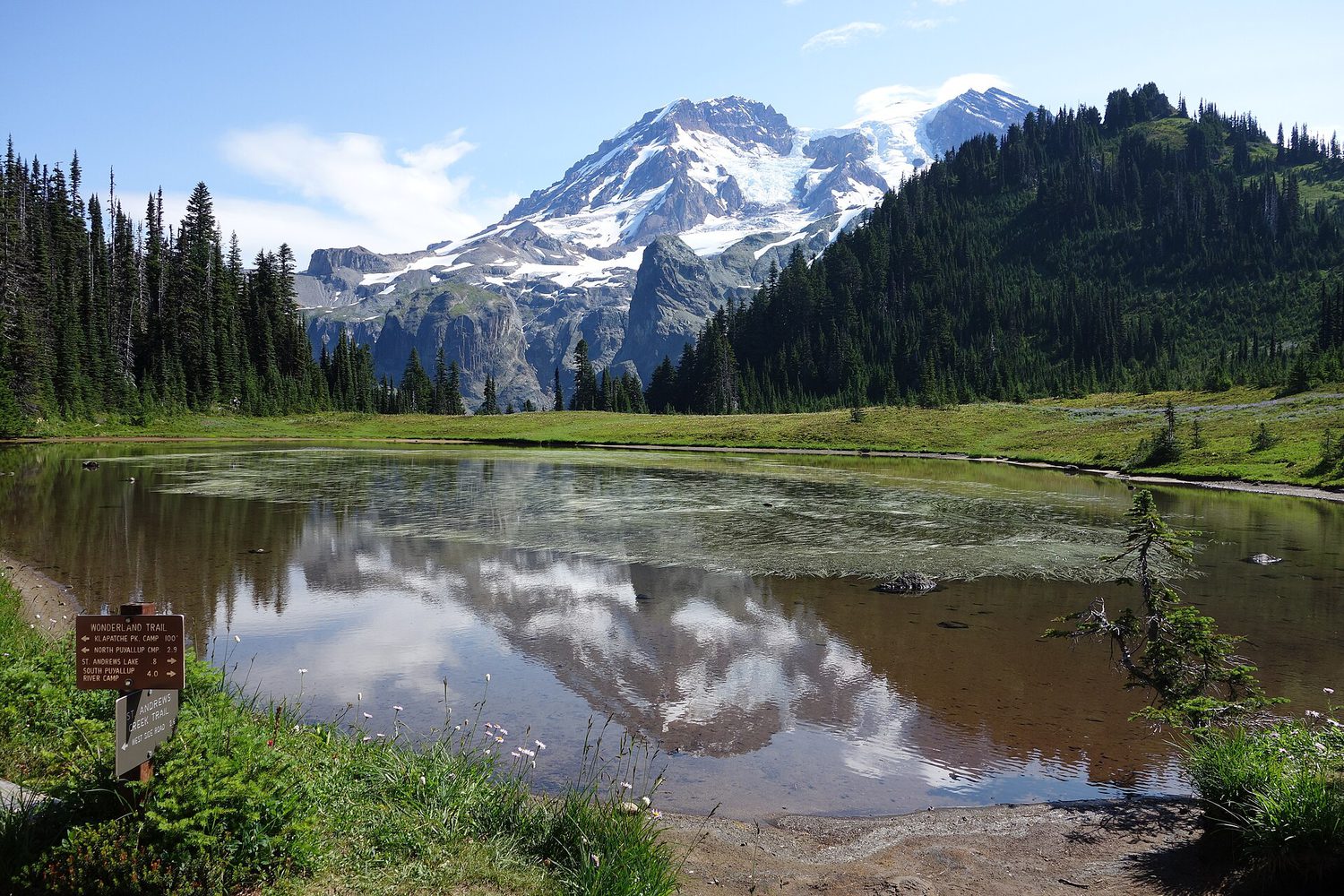 Paradise InnMount Rainier NP · WashingtonLodgeReservationbrutal odds
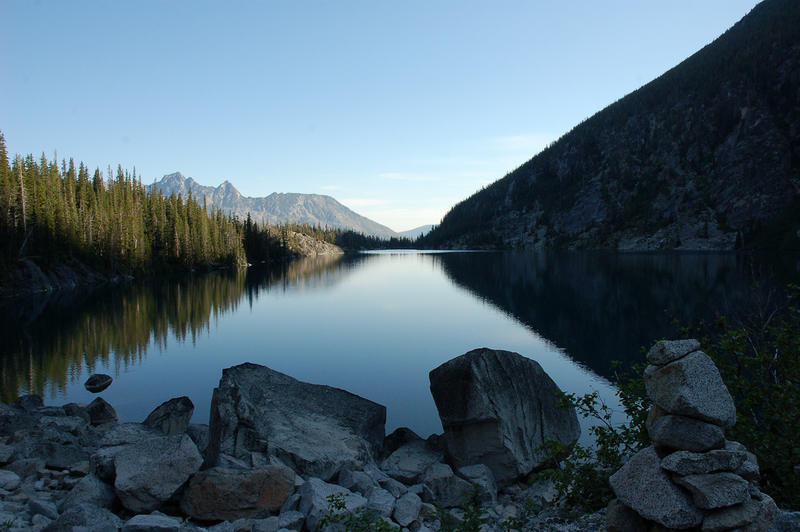 The EnchantmentsAlpine Lakes Wilderness · WashingtonBackcountryOpens Feb 15brutal odds
- Wonderland TrailMount Rainier NP · WashingtonBackcountryLotterybrutal odds
- Cougar Rock CampgroundWashington · WashingtonBackcountryOpens Jan 15tough odds
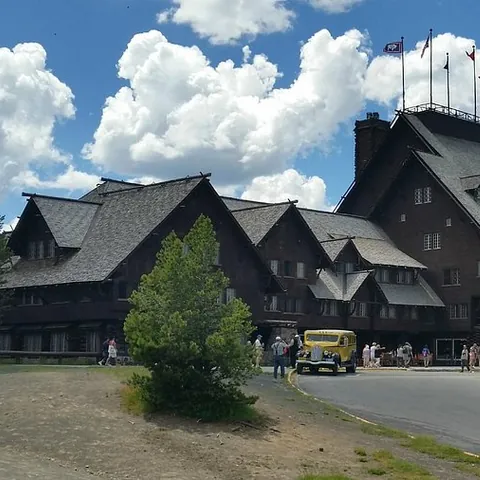 Old Faithful InnYellowstone NP · WYLodgeReservationbrutal odds
How it works
- An email the morning each window opens, never the day after.
- A 14-day heads-up so you can line up your group and dates.
- Win odds and a ranked backup plan for every trail you pick.
Didn't win? We keep watching. We check recreation.gov every day for The Enchantments, Half Dome and Angels Landing, and email you the moment a sold-out date frees up. Cancellations are the second chance most people never hear about.
“I’ve requested to book a Chain Lakes Loop guide on ExplorOFF, and it was the best idea ever! I highly recommend going with their guided option since you get a real human connection on the trail and don’t have to worry about a thing. Yulia was great to talk to!”